Planning
Day Planner & Time Blocks
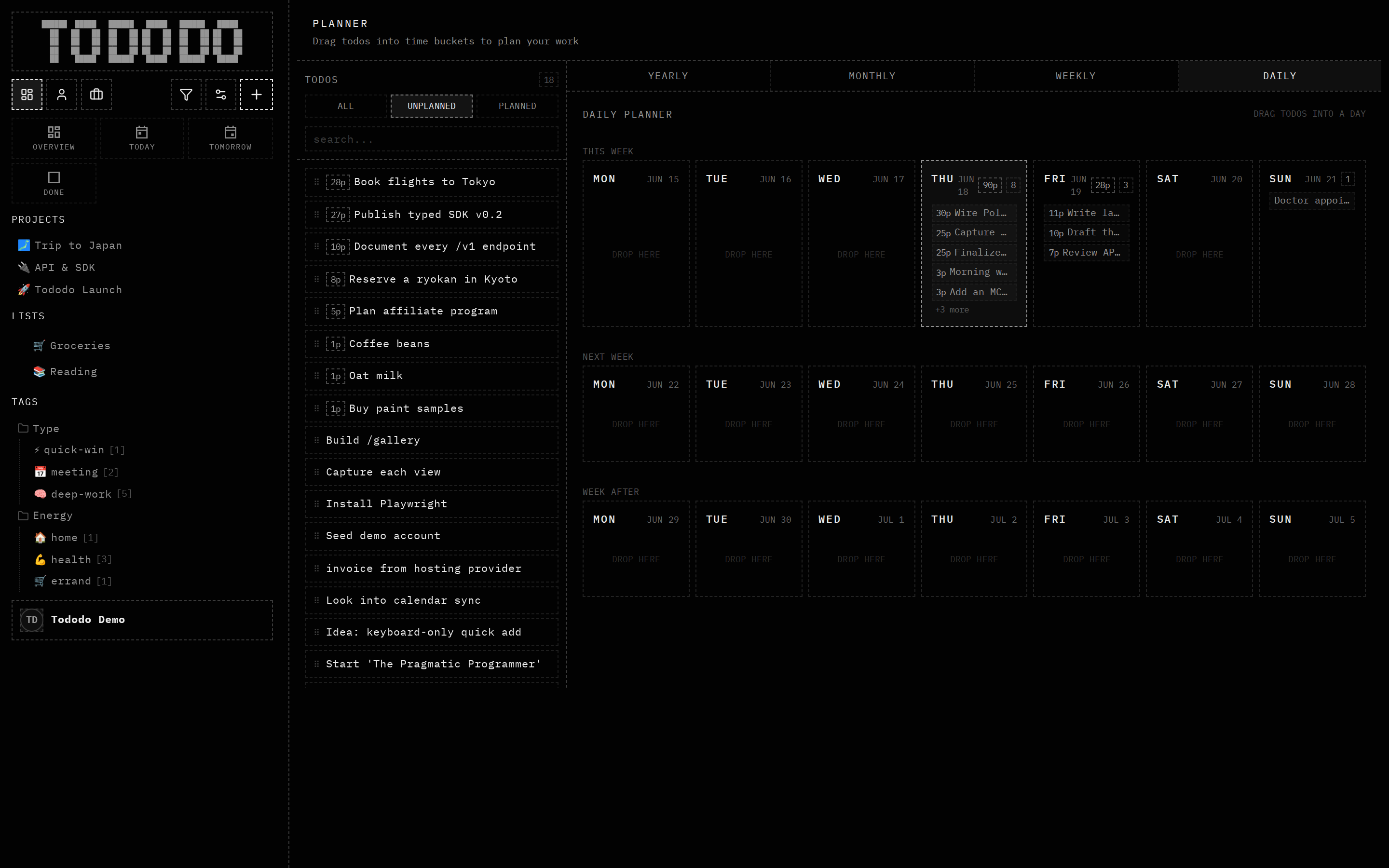
Drag tasks into the day, week, or month.
What it does
Plan by dragging tasks into time blocks across day, week, month and year views. See estimates and turn a backlog into a realistic schedule.
Why it's useful
A list tells you what; a plan tells you when. For agents the blocks are structured slots an assistant can fill or rearrange on your behalf.
How to use it
- 1Open the Planner.
- 2Create time blocks for your day.
- 3Drag unplanned tasks into the blocks.