Capture & organize
Sections
Split a project or list into ordered buckets.
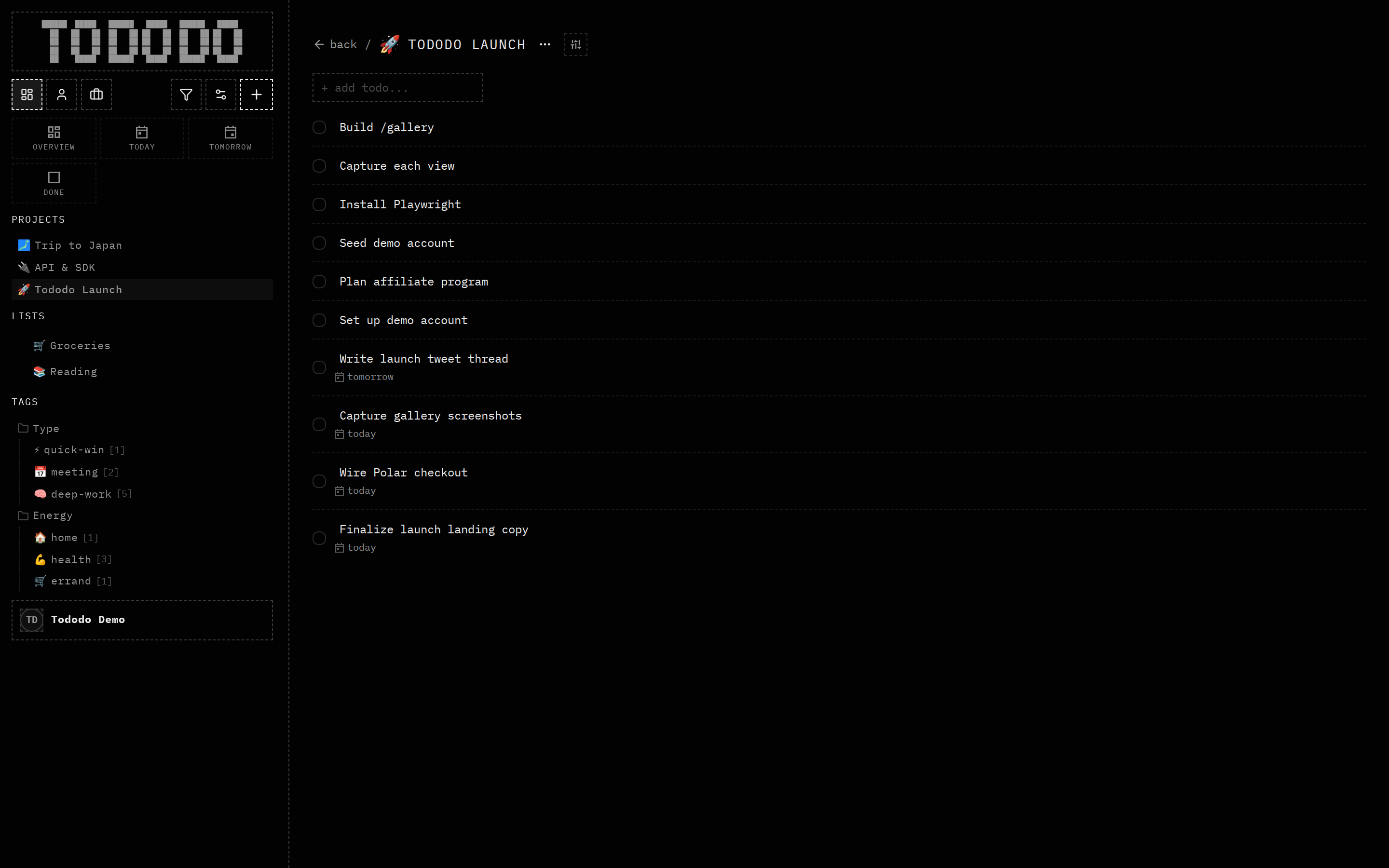
What it does
Carve a project or list into named sections — Now / Next / Later, or anything you like — and reorder them.
Why it's useful
Sections add a second axis of order so a long project stays scannable. Agents can place a task into the right phase, not just the right project.
How to use it
- 1Open a project or list.
- 2Add a section header.
- 3Drag tasks between sections.