Planning
Waiting On
Park tasks blocked on someone else.
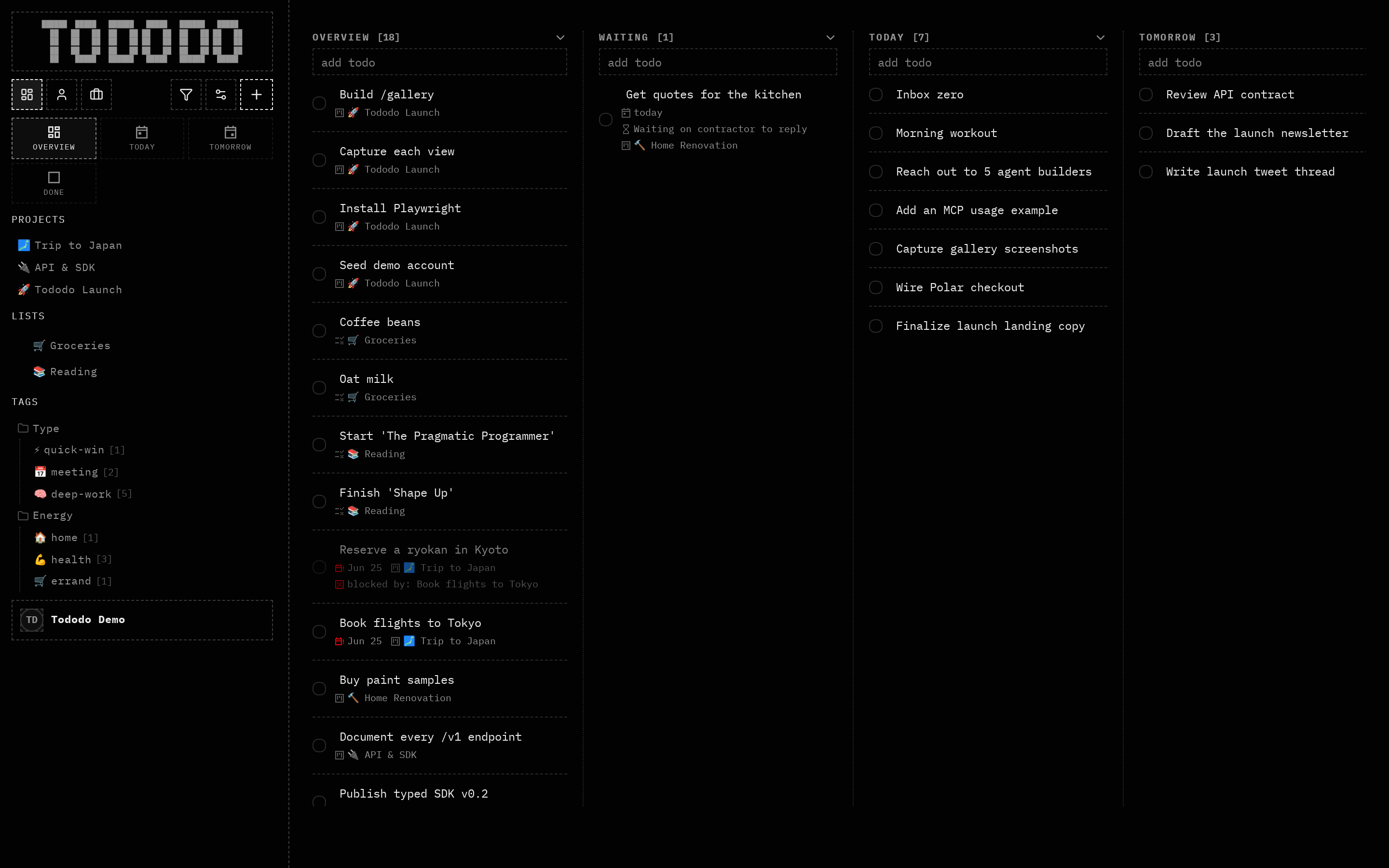
What it does
Mark a task as waiting, with a reason, so it moves out of your active list into a dedicated Waiting lane.
Why it's useful
Half of getting things done is tracking what you've handed off. For agents, waiting state plus a reason is a clear, queryable signal.
How to use it
- 1Mark a task as waiting.
- 2Add what you're waiting on.
- 3It moves to the Waiting column.