AI & automation
Auto-classify Rules
Your inbox sorts itself.
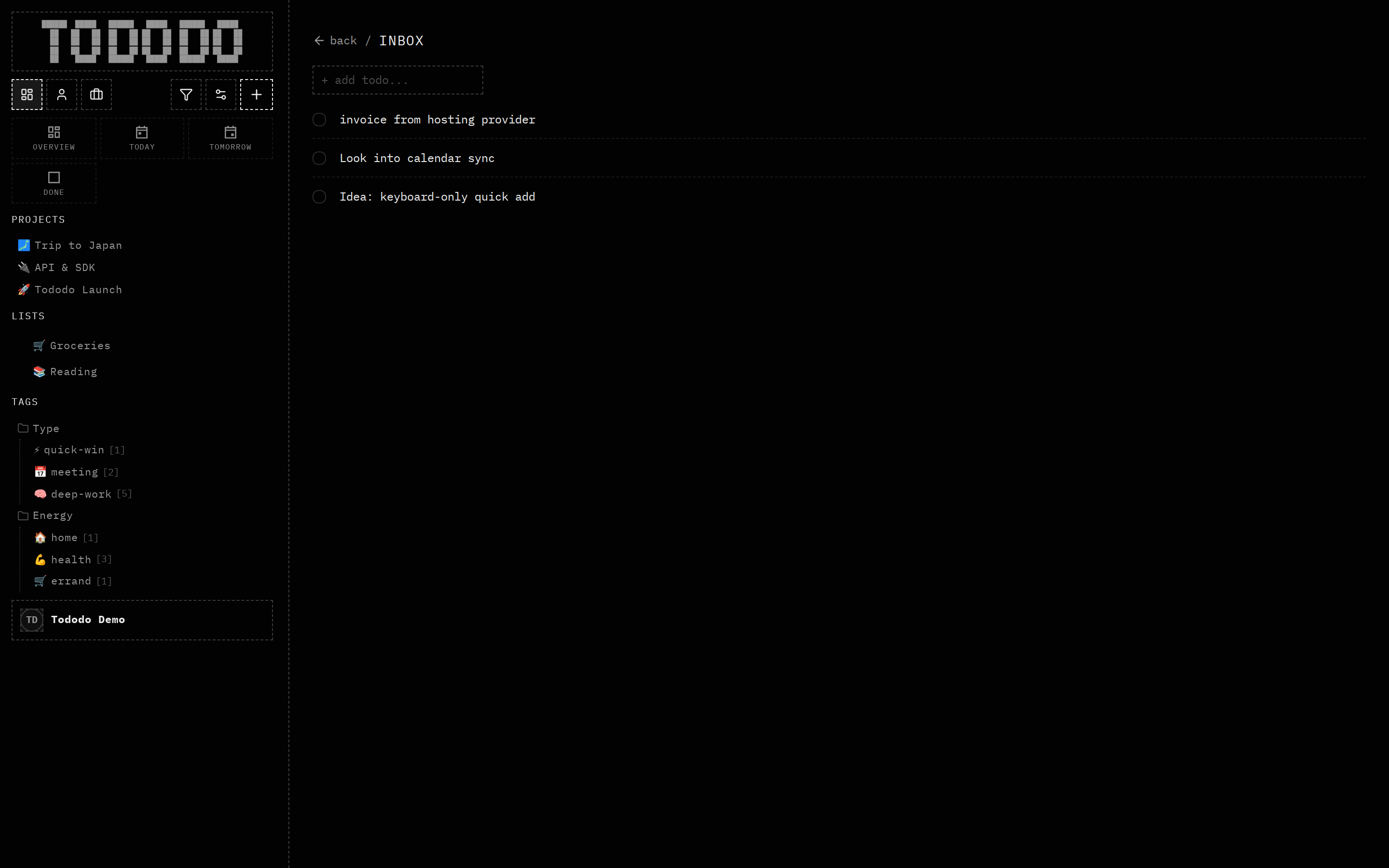
What it does
Classifier rules watch your inbox and apply actions automatically — set a project, list, tag, priority or scope — from conditions you describe in plain language, like "if the title mentions invoice, make it high priority".
Why it's useful
Capture fast, sort never. For agents this is a deterministic routing layer: drop tasks into the inbox and they land in the right place by policy.
How to use it
- 1Open Settings → Classifier rules.
- 2Describe a condition and the actions.
- 3New inbox items are classified automatically.