AI & automation
Smart Input
Type one line; get a fully structured task.
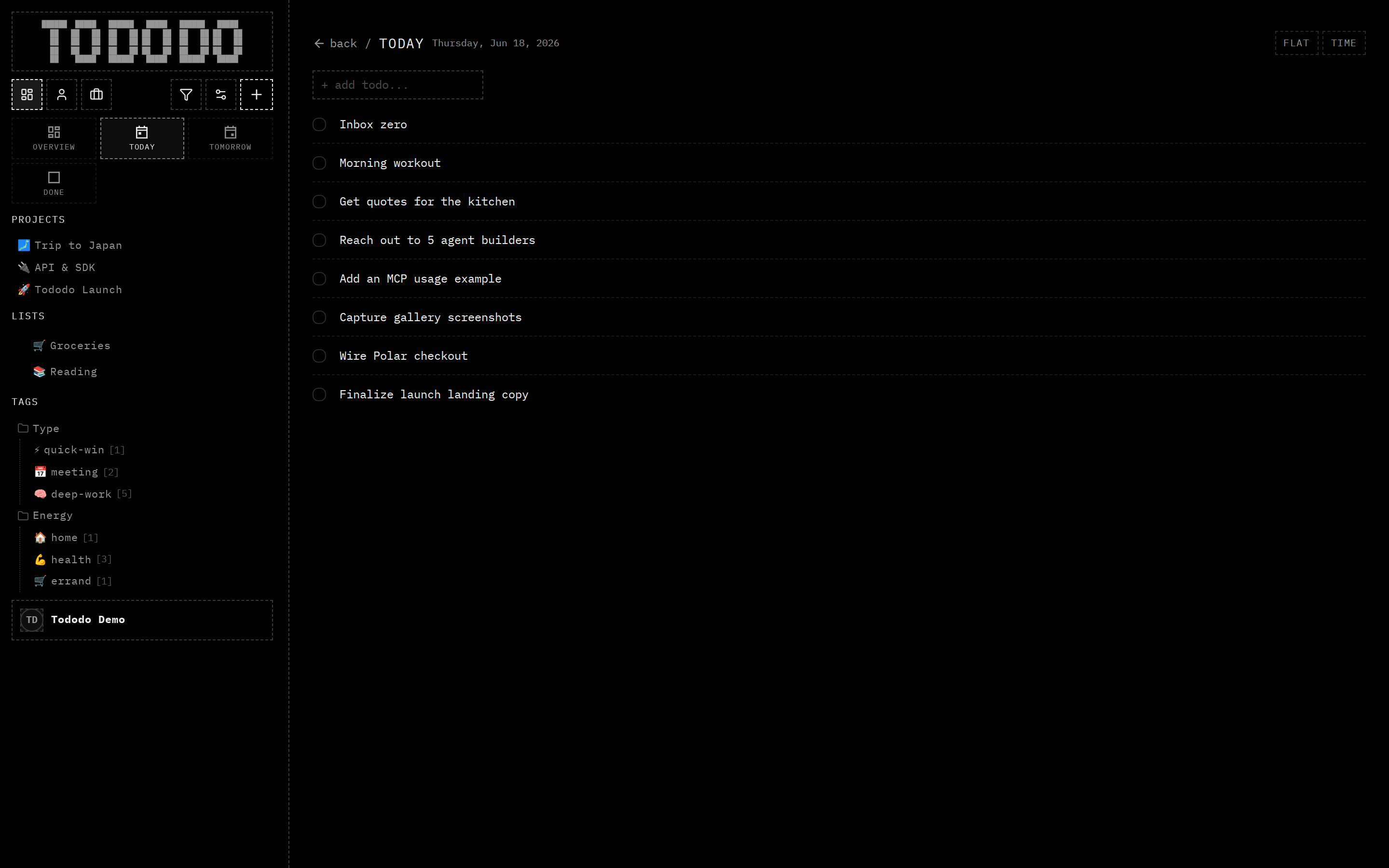
What it does
The quick-add bar parses natural language into structured fields as you type — dates ("tomorrow 3pm"), priority ("!high"), tags ("#errand"), a project or list, and scope.
Why it's useful
Friction kills planning, so capture stays a single keyboard-friendly line. For agents the same parser means a tool-call can pass one natural-language string and still produce a fully-typed todo.
How to use it
- 1Click the add-todo input.
- 2Type naturally: "Email the contractor tomorrow 9am #home !high".
- 3Tododo fills in the fields for you.