Power tools
Command Palette
Everything, from the keyboard.
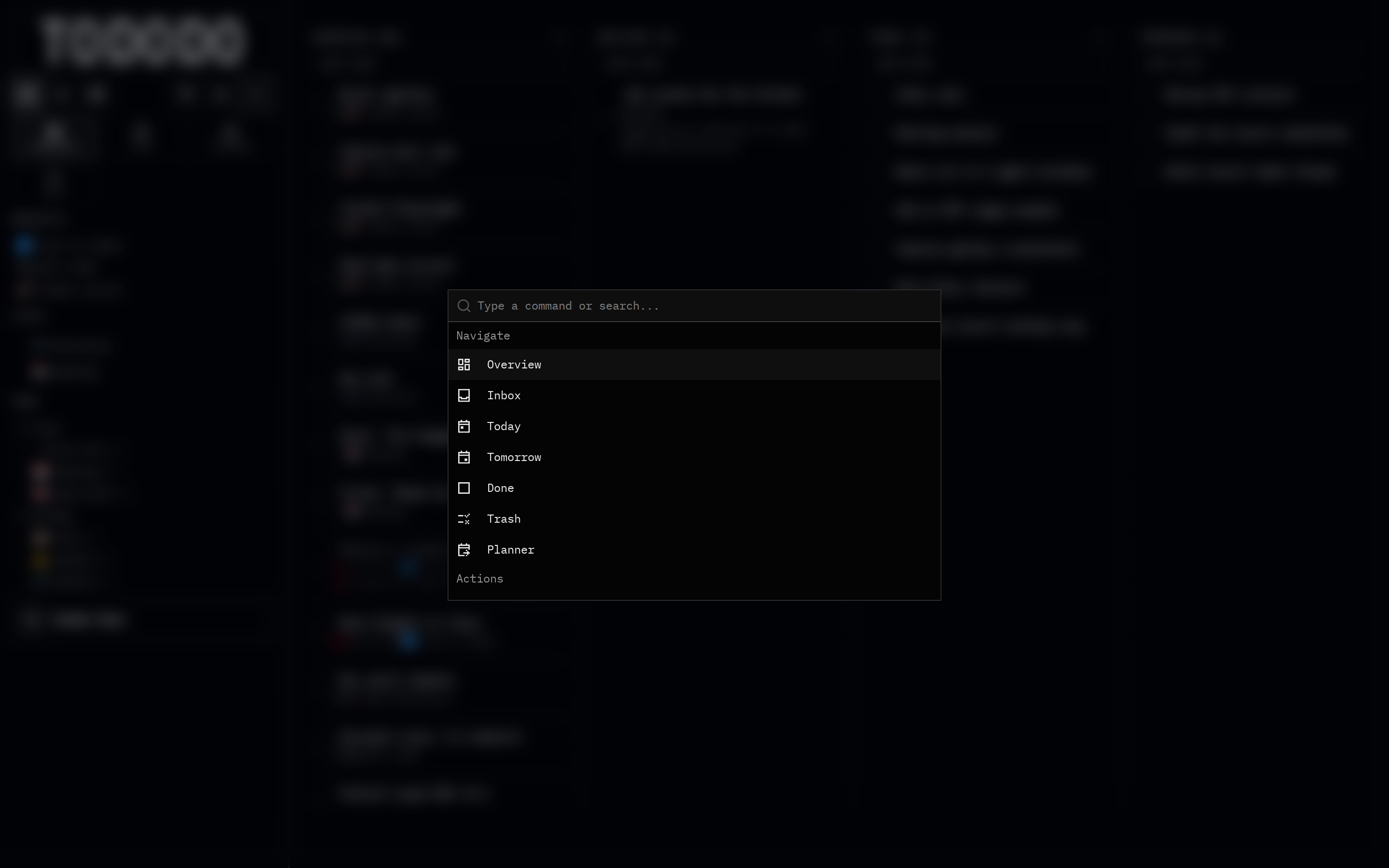
What it does
Press ⌘K to search and jump to any view, project, list or tag, create tasks, switch scope, change theme, and run any action — without touching the mouse.
Why it's useful
A planning tool you live in all day should never slow you down. The palette doubles as search and makes Tododo fully keyboard-driven.
How to use it
- 1Press ⌘K (or Ctrl+K) anywhere.
- 2Type a destination or action.
- 3Hit enter.