Collaboration
Comments & Files
Discuss and attach, right on the task.
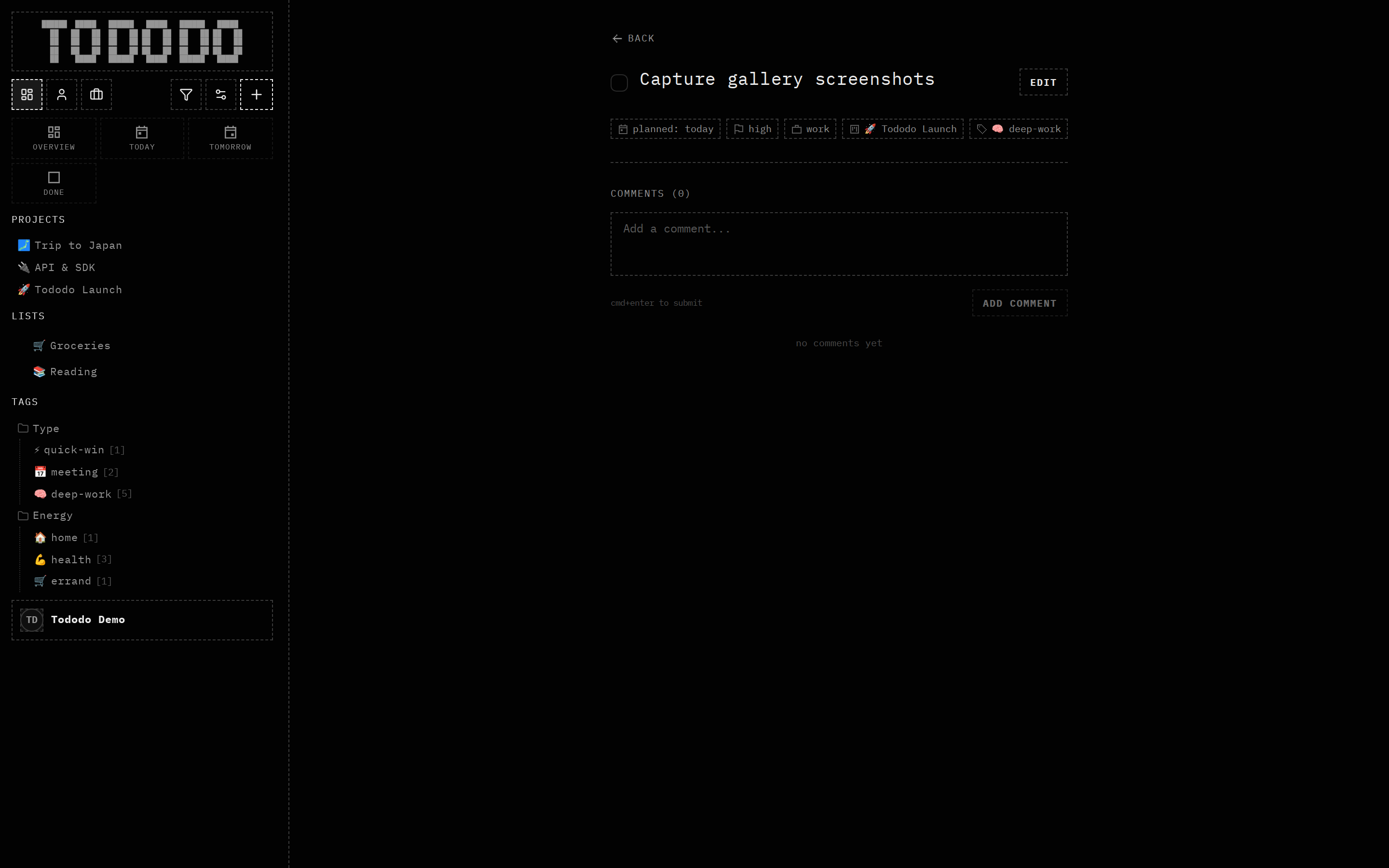
What it does
Hold a threaded conversation on any task, attach files, and keep an activity history of what changed and when.
Why it's useful
Context belongs with the work, not in a separate chat. For agents, comments are a structured place to leave notes and read history.
How to use it
- 1Open a task.
- 2Add a comment or drop a file.
- 3Follow the activity feed for changes.